
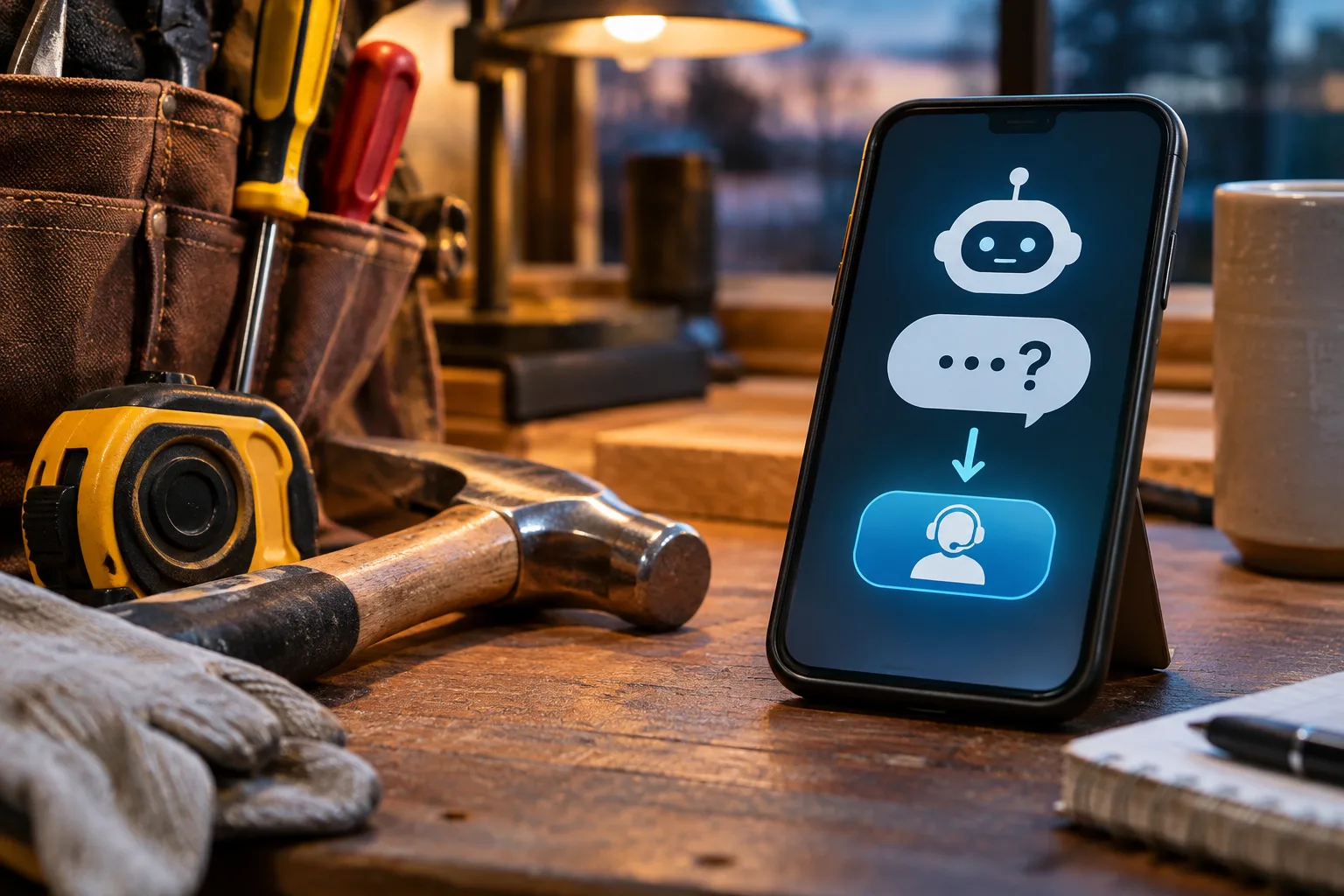
A customer opens a contractor's website after hours and asks the chatbot whether the company serves their town. Instead of a clear answer, it confidently says yes, even though the town is outside the service area. The owner discovers the mistake the next morning, after a frustrated customer has already called.
That is the problem with an AI chatbot that guesses. A useful chatbot needs to know when to stop talking and hand the question to a person. The difference matters more than how clever its answers sound.
What happens when an AI chatbot doesn't know the answer?
The best response is a straightforward admission of uncertainty followed by a useful next step. If the website has no reliable answer about service areas, emergency availability, or pricing, the chatbot should say it cannot confirm and offer a contact form or phone number.
Consider an electrician whose website lists residential repairs and panel upgrades, but says nothing about generator installation. A visitor asks, “Can you install a standby generator?” The chatbot should not treat a vaguely related service as proof that the answer is yes. It can explain that generator installation is not confirmed on the website and invite the visitor to request a quote.
That may sound less impressive than an instant yes. It is also much less likely to waste everybody's time.
Why an AI knowledge base matters for a service business
A chatbot can only give dependable business-specific answers when its reference material is accurate and current. That reference material is often called a knowledge base: a collection of facts about the business that the chatbot can consult when answering questions.
For a plumber, useful material might include the actual service area, the work the company performs, whether emergency calls are accepted, how estimates are requested, and how customers should reach the office. For an excavation company, it might explain the types of site work offered and the counties served.
Notice what is missing: a made-up price list, a promise of immediate availability, or a claim that every possible job is accepted. If the business does not publish those details, the chatbot should not manufacture them.
A practical starting checklist is:
- List the services the business actually offers, including important exclusions.
- Document the cities and counties served.
- Explain how quote requests, scheduling, and emergency inquiries are handled.
- Specify which questions must go to a person.
- Review the information whenever services, hours, or policies change.
The initial setup takes attention. Someone who knows the business needs to review the material, and someone needs to maintain it afterward. A chatbot is not an excuse to stop updating the website.
How to keep a chatbot from inventing promises
Start with boundaries, not a personality. Decide what the assistant may answer, what it must qualify, and what it must never promise.
For example, a contractor might allow the chatbot to describe listed services and explain how to request an estimate. It should not confirm a technician's arrival time without access to a reliable scheduling system. It should not invent a warranty or tell a customer a job will cost a particular amount when the business quotes each project individually.
These rules need testing with real questions. Ask about a town just outside the service area. Ask for a price that is not published. Ask whether someone can arrive tonight. Ask for a service the company does not provide. A good result is not always a complete answer; sometimes it is a clear, honest handoff.
It also helps to make the contact path obvious. If the chatbot cannot resolve a question, the customer should not have to start over or hunt through the website. A visible call option or quote form gives them a way forward. That is where the site's lead capture tools matter just as much as the AI itself.
Should your chatbot collect a lead when it gets stuck?
Yes, when the visitor wants follow-up and understands what will happen next. The chatbot can ask whether the customer would like to send a message to the business, then direct them to the site's normal contact process.
It should not pretend that a human has already reviewed the request. It should not claim an appointment is booked when no appointment exists. And it should not collect more personal information than the business needs to respond.
Picture a homeowner asking a roofing company whether a particular type of repair is covered. The chatbot may be able to explain the company's published repair services, but it cannot inspect the roof or decide coverage from a sentence in a chat window. A useful reply explains that limitation and points to the estimate request process.
The business still has to respond. A chatbot can make the first contact easier; it cannot make an unanswered lead into a booked job.
How to test AI website features before customers do
Do not judge the chatbot by asking it only questions whose answers are already obvious. Test it like a skeptical customer who has a real problem and very little patience.
Try questions with incomplete information, awkward wording, and assumptions that are not true. Ask the same thing in different ways. Check whether it gives consistent answers, and verify those answers against the actual website and business policies.
Pay particular attention to confident mistakes. An assistant that says “I'm not sure” is easier to correct than one that invents a service and sounds certain about it. Review conversations periodically, identify recurring unanswered questions, and update the knowledge base when the business has a real answer worth adding.
For businesses interested in an AI chatbot trained on their own website content, this is the part of setup that deserves care. The feature is optional, and a business that cannot keep its information current may be better off with a simple contact form for now.
Start with a narrow job, then expand
A small business does not need an AI assistant that claims to handle everything. Start with a limited role: answer common questions from approved business information, explain the contact process, and direct uncertain requests to a person.
Run through the awkward questions yourself before enabling it for visitors. Fix incorrect answers, add missing business facts, and make sure the handoff actually works. If the chatbot repeatedly guesses, restrict what it can answer until the underlying information improves.
The useful question is not whether the chatbot sounds human. It is whether a customer leaves with accurate information and a clear next step. Start there, and let the technology earn the rest of its job.

