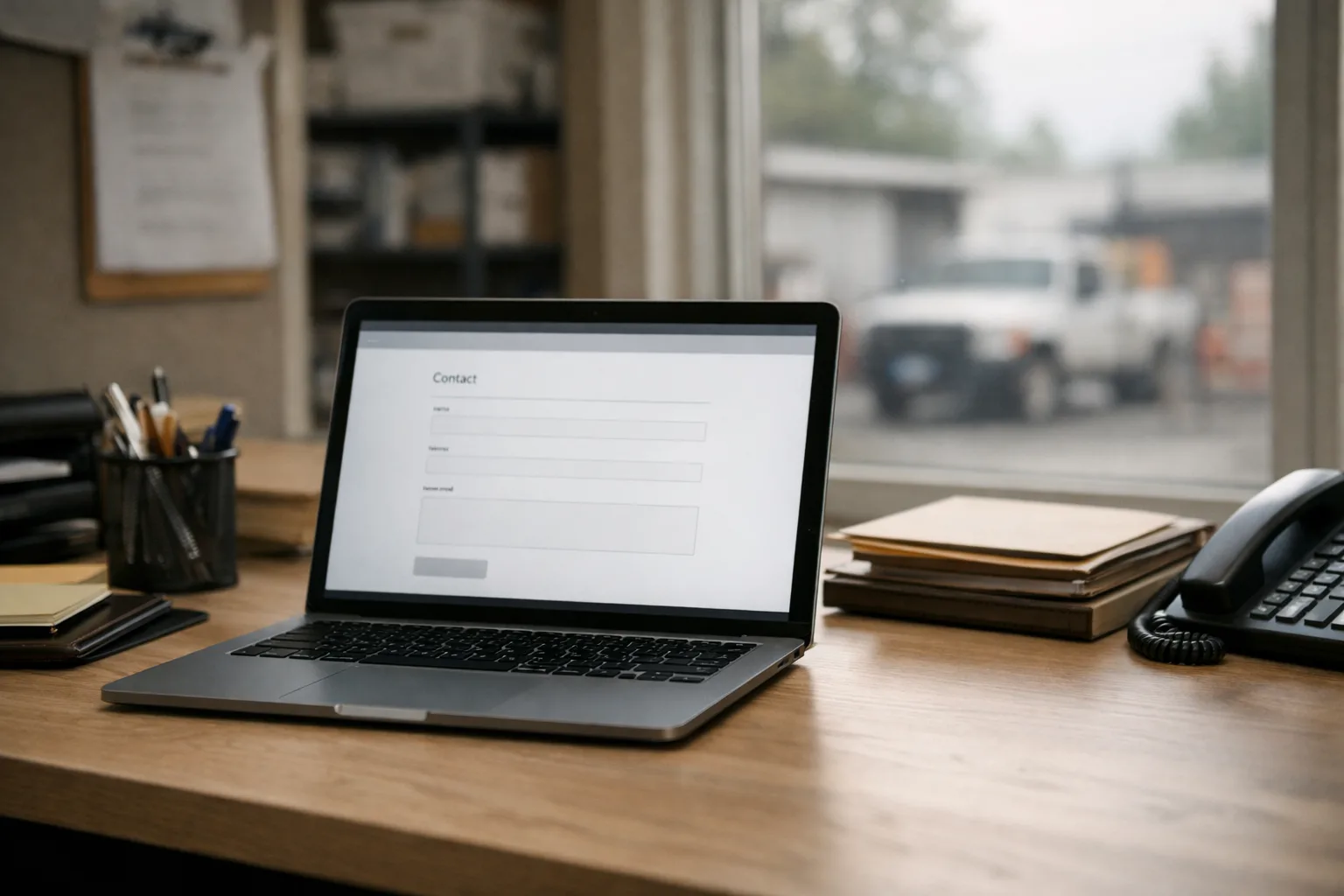

Picture this: A homeowner is juggling dinner prep and a leaky faucet, glancing at their phone for a quick fix. They find your site, reach the contact page, and begin filling out your form—only to hit a wall at a required address field. Their thumb hovers, hesitates... then decides to click back and call your competitor instead.
What Really Happens When a Lead Makes Contact
The truth is, your contact method could make or break a potential lead. When someone clicks a click-to-call link on a mobile site, it should instantly dial your business phone number, cutting straight to the chase—no fumbling, no wrong numbers.
A contact form, once submitted, triggers an email directly to you. If that email hits your inbox instantly, you've removed one more barrier to connecting with that person. Delays here can cost you real calls and jobs.
A callback widget offers a way for visitors to request a call at their convenience, ensuring you're not missing those who prefer talking to typing.
How to Test Your Own Website
- Submit Your Form: Fill out your own form. Time how long it takes for the email notification to arrive. Is it instant? If not, there's a problem.
- Count the Fields: Are there fields you could cut? The fewer the form has, the more likely someone will hit ‘Submit’.
- Try Calling Yourself: Use a mobile device. Is your number a single tap away? If not, it needs to be.
- Ask for Real Feedback: When wrapping up with recent customers, ask how they found contacting you. The insights can be eye-opening.
The Realization: More Leads Don't Mean Better Success
Let's be honest here—more leads are not automatically better leads. If your response time is slow, or if the follow-up is inefficient, no form tweak will save you. The website’s job truly ends when the phone rings or the form pops up in your inbox. What follows is on how well your team picks up that baton.
Specific Changes You Can Make This Week
- Simplify Your Contact Form: Review and remove any non-essential fields. Streamlining this can drastically reduce friction.
- Enable Click-to-Call: Ensure your phone number is clickable on mobile views—this is a must-change.
- Instant Notification Setup: Check that notification emails are immediate. If there's a delay, sort it out; it could be due to server settings.
With a ServingTheBest build, all this—form design, click-to-call features, real-time email notifications, and easy-to-navigate dashboards for tracking—is standard. You won't need to worry about these tech intricacies; we've got them covered.
Take a few simple steps this week to minimize friction. Ensure that your website isn’t just another hurdle your customers need to jump over but a clear path straight to your door.